 blog
blog
Should you choose thermal till rolls or standard paper rolls?
Last Updated: October 24, 2026
Quick Summary
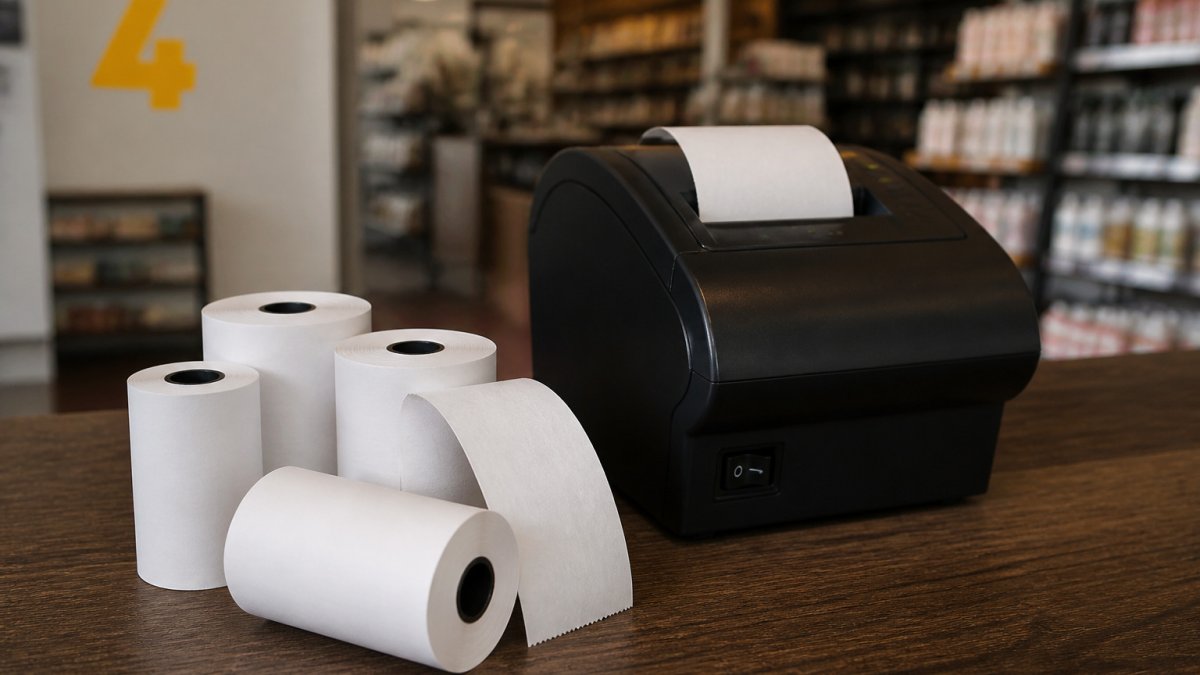
Thermal till rolls standard paper rolls differ fundamentally in printing method: thermal rolls use heat-sensitive coating to print without ink or ribbon, whilst standard paper rolls require traditional ink or ribbon mechanisms. Thermal printing is faster, quieter, and requires less maintenance, but receipts fade within months to a year in sunlight. Standard paper remains readable for years, making it better for long-term record-keeping, though it demands more frequent maintenance and consumable costs.
- Thermal printers produce receipts in seconds with fewer moving parts, whilst standard printers are slower and noisier but produce permanent, fade-resistant receipts.
- Thermal rolls typically cost less per receipt over 12 to 18 months at high volume due to lower consumable and maintenance costs.
- The fingernail test identifies thermal paper: it darkens under friction, whilst standard paper does not change colour.
- Roll dimensions must match exactly: width, diameter, core size, and roll direction all affect printer compatibility and receipt quality.
- Thermal paper fades in sunlight or heat regardless of weight, whilst standard paper maintains readability for years in any storage condition.
Table of Contents
- Thermal till rolls versus standard paper rolls: the core difference
- How thermal printing works
- How standard or bond paper printing works
- How to identify thermal paper for your till system
- Till roll sizes and printer compatibility
- Thermal paper GSM, durability, and receipt retention
- Thermal receipt paper: cost of ownership and maintenance
- Ordering the right till rolls for your business
- Frequently Asked Questions
Thermal till rolls versus standard paper rolls: the core difference
The choice between thermal till rolls standard paper rolls shapes how your business handles receipts, costs, and operational efficiency.
Thermal printing dominates modern retail, hospitality, and EPOS environments because it's faster, quieter, and requires less maintenance. Standard paper rolls remain relevant where receipt longevity or specific printer compatibility is essential.
Thermal and standard paper rolls differ in how they print, their maintenance needs, and how long receipts last.
| Aspect | Thermal Till Rolls | Standard Paper Rolls |
|---|---|---|
| Printing method | Heat-sensitive coating, no ink or ribbon | Ink or toner applied via ribbon or inkjet |
| Speed and noise | Fast and quiet | Slower and noisier |
| Maintenance | Fewer moving parts, lower consumable costs | Regular ribbon changes, ink refills, print-head cleaning |
| Receipt longevity | Fade within months to a year in sunlight or heat | Remain readable for years, no fading |
| Printer compatibility | Modern retail, hospitality, EPOS systems | Older legacy EPOS systems and cash registers |
| Best for | Busy retail counters, fast output | Permanent audit trails, long-term record-keeping |
How thermal printing works
Thermal printing applies heat directly to chemically coated paper. Learn why thermal printers need specific paper types to understand the technical reasons behind these requirements.
Thermal paper requires specific storage conditions: heat, humidity, and sunlight affect the coating's performance.
Understanding thermal paper technology and its applications shows that the coating composition directly influences print quality and longevity. For retailers storing receipts, this matters more than most guides acknowledge.
How standard or bond paper printing works
Standard paper rolls use traditional printing technology: ink or toner applied to plain bond paper through a ribbon or inkjet mechanism.
This approach requires more moving parts: the printer feeds paper, applies ink via ribbon or spray, and manages the ink supply.
The advantage is durability. Receipts printed on standard bond paper don't fade and remain readable for years, even in harsh storage or direct sunlight.
Standard paper also works with a wider range of older printer models.
How to identify thermal paper for your till system
Identifying whether your till system uses thermal till rolls or standard paper is straightforward.
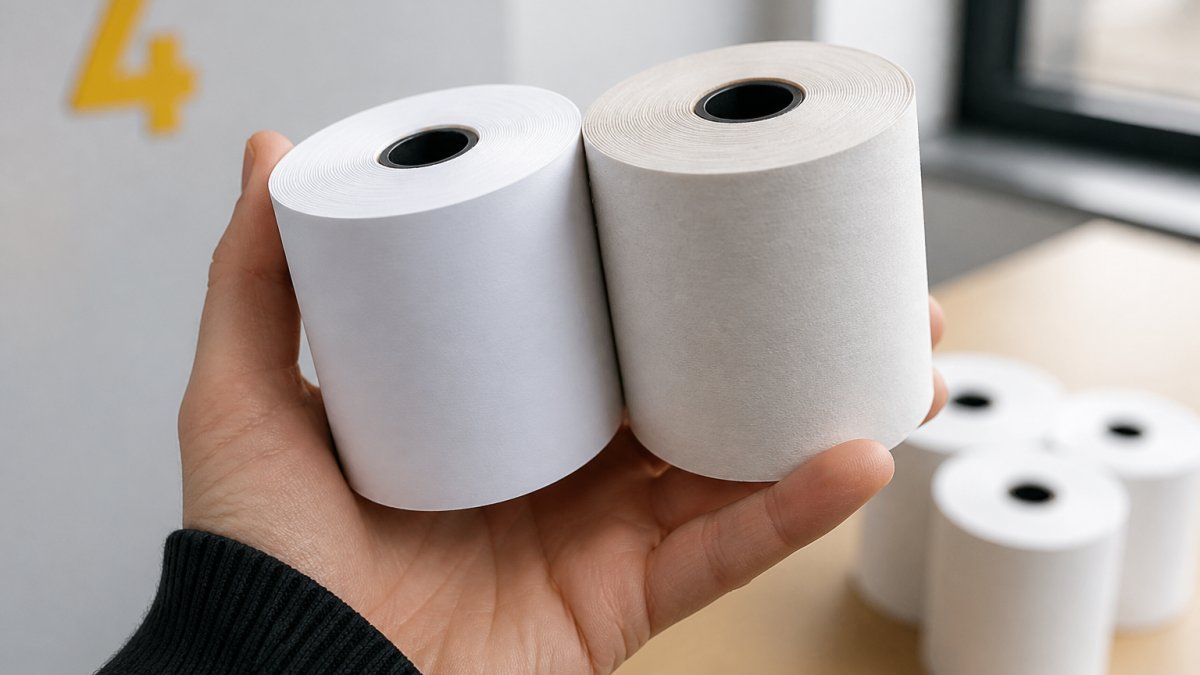
Another quick check: thermal receipts feel slightly glossy and smooth, whilst standard paper feels like ordinary office paper.
Your printer's manual is the definitive guide.
If unsure, contact your printer manufacturer or check the model number on the device; most thermal printers are labelled as "thermal" on the casing or specification plate.
Till roll sizes and printer compatibility
Getting the roll size wrong is the most common and most avoidable mistake in receipt paper buying. A roll 2 mm too wide will jam, the wrong core size won't sit on the spindle, and a thermal roll loaded into a standard printer produces nothing. Use this checklist to get it right.
The four dimensions that must match
Every till roll is defined by four measurements, and all four must match your printer:
- Width. The most common widths are 57 mm and 80 mm. Some compact handheld and mobile printers use 58 mm, which is close to 57 mm but not interchangeable in every model. Measure the paper path, not the old roll, if you are unsure.
- Roll diameter. Typically 40 mm to 80 mm. A larger diameter means more receipts per roll but may not fit inside a printer with a closed paper compartment. Check the maximum diameter your printer accepts.
- Core size. The cardboard tube at the centre. Standard core sizes are 12 mm and 17 mm. A 17 mm core roll will not fit a printer designed for 12 mm cores, and forcing it damages the spindle.
- Roll direction. Thermal paper has a coated side that must face the print head. Most rolls are wound coated-side-out, but some printers require coated-side-in. If your receipts print blank or faint, the roll is probably wound the wrong way for your machine.
Identify your printer type first
Before ordering, confirm whether your printer is thermal or standard. The fingernail test is the quickest check: thermal paper darkens under friction, standard paper does not. Then check the model plate; most thermal printers are labelled as thermal, and the manual lists exact roll dimensions and whether a ribbon is required.
The switching checklist
If you are moving from standard paper rolls to thermal till rolls, or adding a second printer, work through this list before placing an order:
- Confirm the printer is a direct thermal model, not a thermal transfer or impact model that needs a ribbon.
- Measure the paper width your printer accepts, and check whether it is 57 mm, 58 mm, or 80 mm.
- Check the maximum roll diameter the paper compartment will hold.
Common sizes and what they suit
- 57 mm × 40 mm rolls suit compact counter-top and mobile printers where space is tight.
- 57 mm × 50 mm rolls are common in hospitality and smaller retail counters.
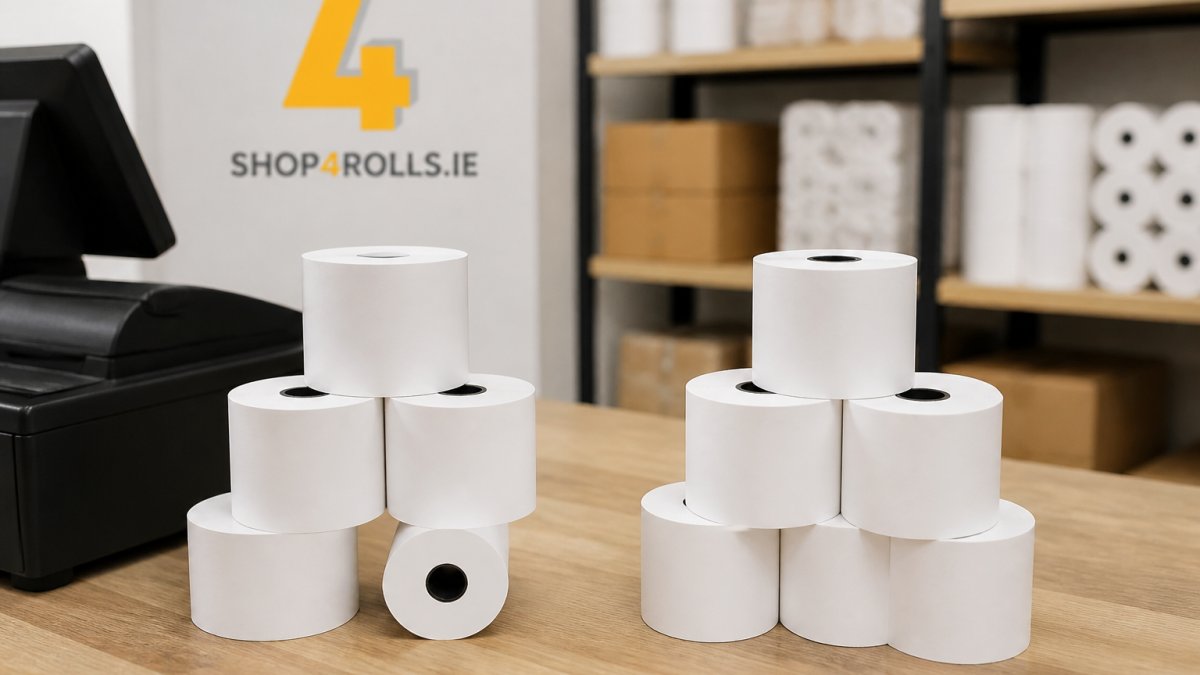
- 80 mm × 80 mm rolls are the workhorse for supermarket checkouts and high-volume retail, offering the most receipts per roll change.
Till roll dimension standards for retail POS systems outlines the specifications most retailers encounter, though always defer to your printer manual where the two differ.
Shop4Rolls.ie stocks till roll sizes for every major printer model, and our customer care team can help you identify the correct dimensions if you are unsure.
Thermal paper GSM, durability, and receipt retention
GSM, grams per square metre, measures paper weight and thickness. Thermal till rolls typically range from 48 gsm to 80 gsm, with 55 gsm the most common standard for retail receipts.
Heavier paper feels more substantial and handles better in fast-paced environments. An 80 gsm thermal roll resists tearing and produces clearer print than a 48 gsm roll, but yields fewer receipts per roll, slightly increasing cost per receipt.
Durability for thermal till rolls depends on storage conditions, not paper weight alone.
Print clarity matters too.
Thermal receipt paper: cost of ownership and maintenance
The sticker price on a roll tells you very little. What matters is cost per receipt once you account for paper, consumables, maintenance hours, and downtime. This comparison decides whether thermal till rolls standard paper rolls are cheaper for your business.
The cost stack for each option
For a thermal till roll, the cost stack is short: the roll itself, plus occasional print-head cleaning and eventual replacement. There is no ribbon, ink cartridge, or toner, and few moving parts beyond the paper feed and heated print head.
For a standard paper roll, the cost stack is longer: the roll, ribbons or ink cartridges, the labour to change them, and the cleaning and servicing ink-based mechanisms demand.
A worked example
Take a mid-volume retail counter issuing 400 receipts a day, six days a week, roughly 125,000 receipts a year. Assume an average receipt length of 15 cm.
- An 80 mm × 80 m thermal till roll yields around 530 receipts at that length. At 125,000 receipts a year, that is roughly 236 rolls annually.
- A standard paper roll of similar dimensions yields a comparable number of receipts per roll, but each roll also consumes ribbon or ink. A ribbon typically covers a few thousand receipts depending on coverage, so the annual ribbon count runs into the dozens.
Multiply each roll count by your unit price and add ribbon or cartridge spend for the standard option. Then add maintenance: thermal printers need a print-head clean every few weeks and a replacement head every year or two, whilst standard printers need more frequent ribbon changes, ink top-ups, and jam clearing.
Where the break-even sits
Thermal systems typically recover a higher upfront printer cost within roughly 12 to 18 months at high volume, as consumable and maintenance savings compound. At low volume, the upfront cost dominates and break-even stretches out, sometimes beyond the equipment's life.
Receipt paper cost analysis for retail operations provides benchmarking data for different printer types, though the break-even timeline always depends on your own volumes and unit prices.
The hidden costs competitors ignore
- Downtime. A jammed or failed printer stops a till. Thermal printers jam less often because there is no ribbon to misfeed, but a worn thermal print head produces faded receipts that customers complain about before the head fails outright.
- Replacement frequency. Thermal print heads are consumable parts. Budget for one replacement every 12 to 24 months at high volume, and factor that into your cost per receipt.
- Storage losses. Thermal rolls degrade if stored in heat or sunlight before use. A pallet stored badly can produce faded receipts from day one, which is a cost that never appears on the invoice.
How much do receipt rolls cost? varies by type, quantity, and delivery method. Shop4Rolls.ie can help you calculate the true cost per receipt for both thermal and standard options, using your actual volumes rather than generic assumptions.
Ordering the right till rolls for your business
Start with your printer manual or manufacturer's specifications.
Next, consider receipt retention needs.
Finally, evaluate your operational volume. High-volume operations benefit more from thermal's lower maintenance and faster output.
Shop4Rolls.ie's range of thermal till rolls covers every major printer model and specification.
Choosing between thermal till rolls and standard paper rolls affects your bottom line, operational efficiency, and receipt permanence.
Frequently Asked Questions
What is the difference between thermal and standard till rolls?
Thermal till rolls use heat-sensitive coating activated by the printer's heat source, requiring no ink or ribbon. Standard paper rolls require an ink ribbon and print head contact to produce text and images. Thermal rolls produce crisp, quick receipts but fade over time if stored in warm conditions. Standard rolls create long-lasting prints but cost more per roll due to ribbon and ink expenses. Choose thermal for high-volume, fast-paced retail; choose standard if receipt longevity is critical for compliance or record-keeping.
How do you identify thermal paper?
Thermal paper has a slick, waxy feel and is noticeably smoother than standard bond paper. Rub a coin or fingernail firmly across the surface: thermal paper will darken or show a mark where friction applied heat. Standard paper will not react. Check your printer manual or existing rolls for labels stating 'thermal' or 'direct thermal'. If unsure, contact your printer manufacturer or supplier to confirm which type your till system requires.
Can a thermal till roll be used in a standard receipt printer?
No. Thermal rolls require a thermal printer with a heated print head. Using thermal paper in a standard ribbon-based printer will produce no output because the paper has no ink to transfer. Similarly, standard paper rolls will not work in thermal printers. Always verify your printer type before ordering. Switching between systems requires changing not just the roll but the entire printer.
Which type of till roll lasts longer and costs less over time?
Standard paper rolls produce prints that remain readable for years, making them better for long-term record storage. Thermal prints fade within months if exposed to heat, light, or humidity, though they stay readable for typical business retention periods (30-90 days). Cost per roll varies by volume and supplier. Total cost depends on your print volume, receipt retention needs, and supplier pricing. Check Shop4Rolls.ie's pricing page for current costs.